










Projects · Tools & libraries

Xfce Tiler
Quadrant, half and directional window tiling for XFCE / xfwm4, across multiple monitors, driven by keyboard chords.
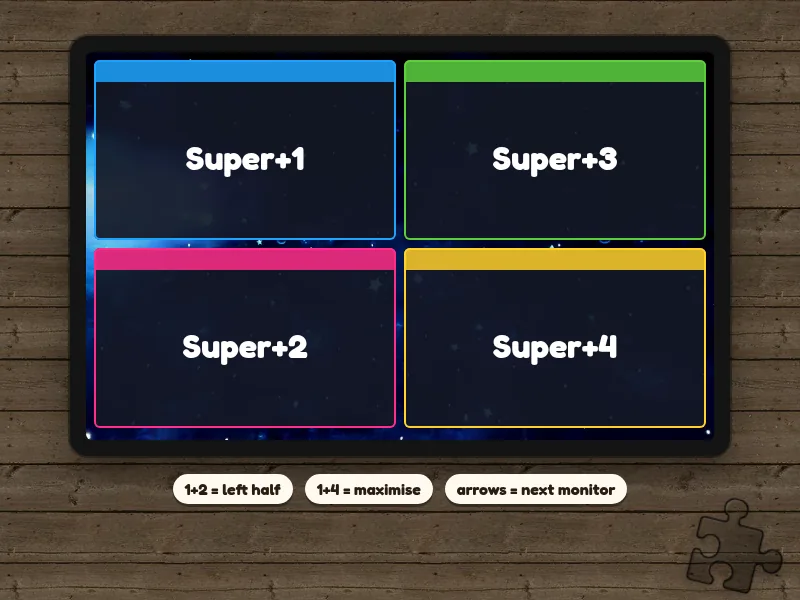
Super+1 | Super+3        1+2 = left half
--------+--------        3+4 = right half
Super+2 | Super+4        1+4 = maximise

Super+5 = centre shape, hold 5 + arrows to resize
XFCE has no tiling that fits how I work, so I wrote the smallest thing that does. Each quadrant is a key, and pressing keys together combines them: Super+1+2 is the left half, Super+1+4 maximises. Arrow keys step a window across the screen and on to the next monitor.
It reads the work area per monitor through Xinerama (falling back to a single screen without it), moves windows through EWMH, and an installer writes the XFCE shortcuts for you, with a dry-run mode.